

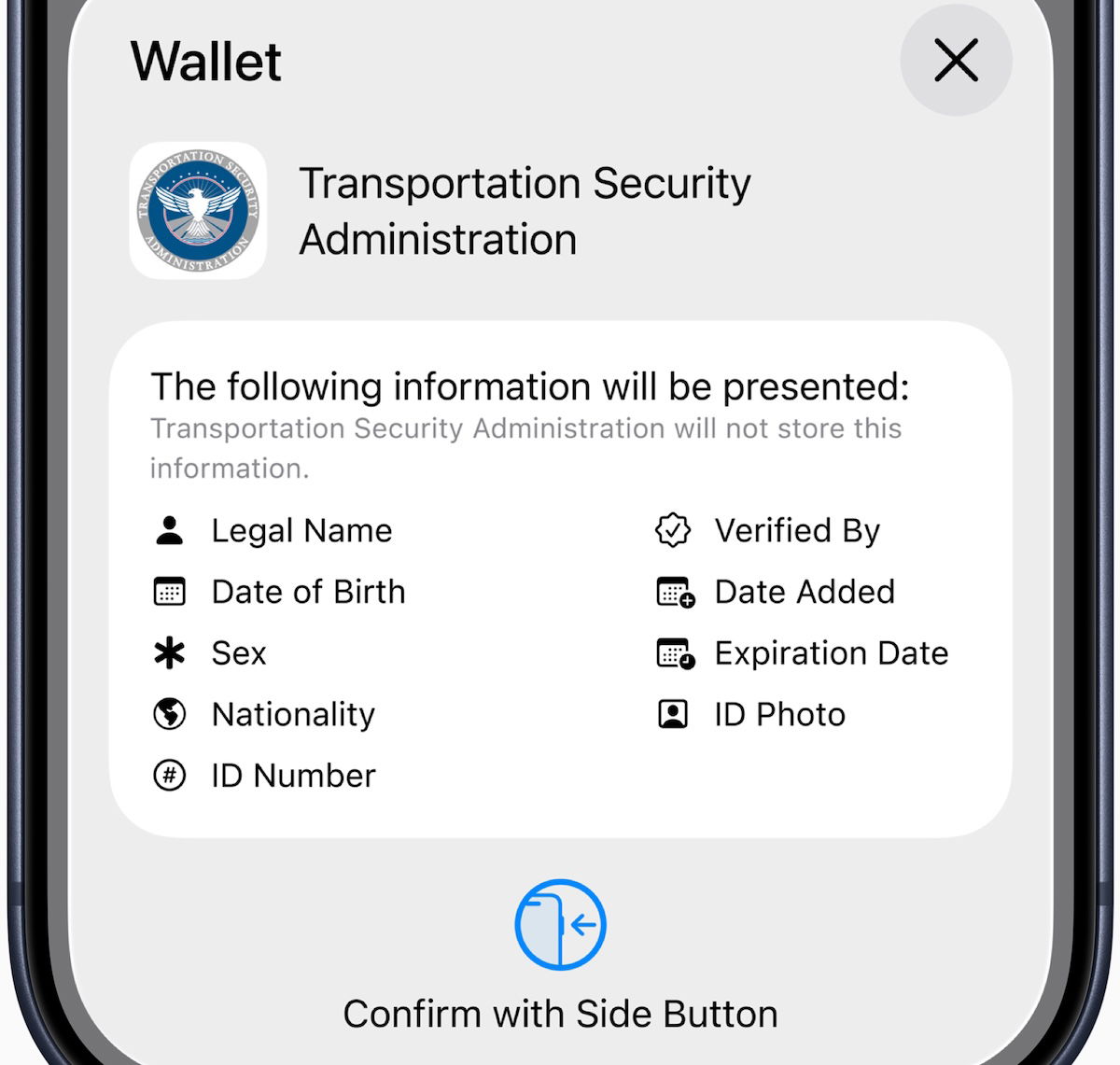

Over time, we’ve increasingly seen Apple roll out the concept of Digital ID, whereby you can create an ID in your Apple Wallet. Up until now, that was limited to driver’s licenses from a limited number of states, but this has now been expanded in a significant way.
This is initially valid for in-person identity verification during domestic travel, with additional Digital ID acceptance use cases to come in the future. Digital ID is not a replacement for a physical passport, and can’t be used for international travel or for border crossings, in lieu of a passport. Note that to create Digital ID in Apple Wallet, you must have an iPhone 11 or later with iOS 26.1 or later, or an Apple Watch Series 6 or later with watchOS 26.1 or later.
Users must use their iPhone to scan the photo page of their physical passport, as part of the process. You’ll also be asked to use your iPhone to read the chip embedded on the back of the passport, to ensure the data’s authenticity. You’ll then have to take a selfie for verification, and will be prompted to complete a series of facial and head movements. Upon completion, the Digital ID will be added to Apple Wallet.
A great solo travel tip spotted this week on One Mile at a Time.
